Editorial scope note: Wild Ace builds this guide from public plan pages, official help pages, catalogue positioning, and reader use cases. We do not claim private access, hidden usage data, or guaranteed availability. Prices, libraries, trials, and rights can change, so use the official links below before you buy.
Quick verdict
Apple TV+ is best judged as a premium originals service. It does not try to win by burying you under decades of back catalogue. It wins when its current slate contains the drama, comedy, documentary, or film you actually want this month. That makes it a strong rotation service and a weaker passive default.
The buying question is not whether Apple TV+ has famous shows. It is whether the next four weeks contain enough specific Apple originals to make the subscription active rather than decorative. For this service, a short queue is fine if it is real. A vague sense that the catalogue is prestigious is not enough.
This is a UK review, so app availability, billing pages, and catalogue checks should start from Apple UK pages. If Apple sends you to a device-specific or account-specific screen, use that local screen as the final source before subscribing or cancelling.
Official pages checked
We started from official pages because affiliate roundups go stale quickly when plan names, free trials, and cancellation terms change. The links below are not decorative citations. They are the pages a reader should open before paying, especially where a service uses regional pricing or changes its included hours.
- Apple TV+ UK - official Apple TV+ UK page
- Apple TV app devices - official Apple TV+ support and app guidance
- Apple One UK - official Apple One UK bundle page
- Apple Support subscriptions - official Apple subscription and billing support
Use those pages to confirm current prices, included catalogues, trial rules, device limits, and cancellation terms. We avoid quoting a permanent price when a service displays pricing dynamically or changes promotions frequently. A good deal is only good if the current checkout page matches the use case you actually have.
How Wild Ace judges this choice
The right Apple TV+ review has to respect its shape. A smaller, originals-led service should not be judged like a broad warehouse streamer. It should be judged by hit rate, release rhythm, app fit, and whether the next month has a named reason to stay.
- Originals hit rate - The service needs enough current originals that you can name the next watch.
- Catalogue expectations - Do not subscribe expecting a huge licensed back catalogue.
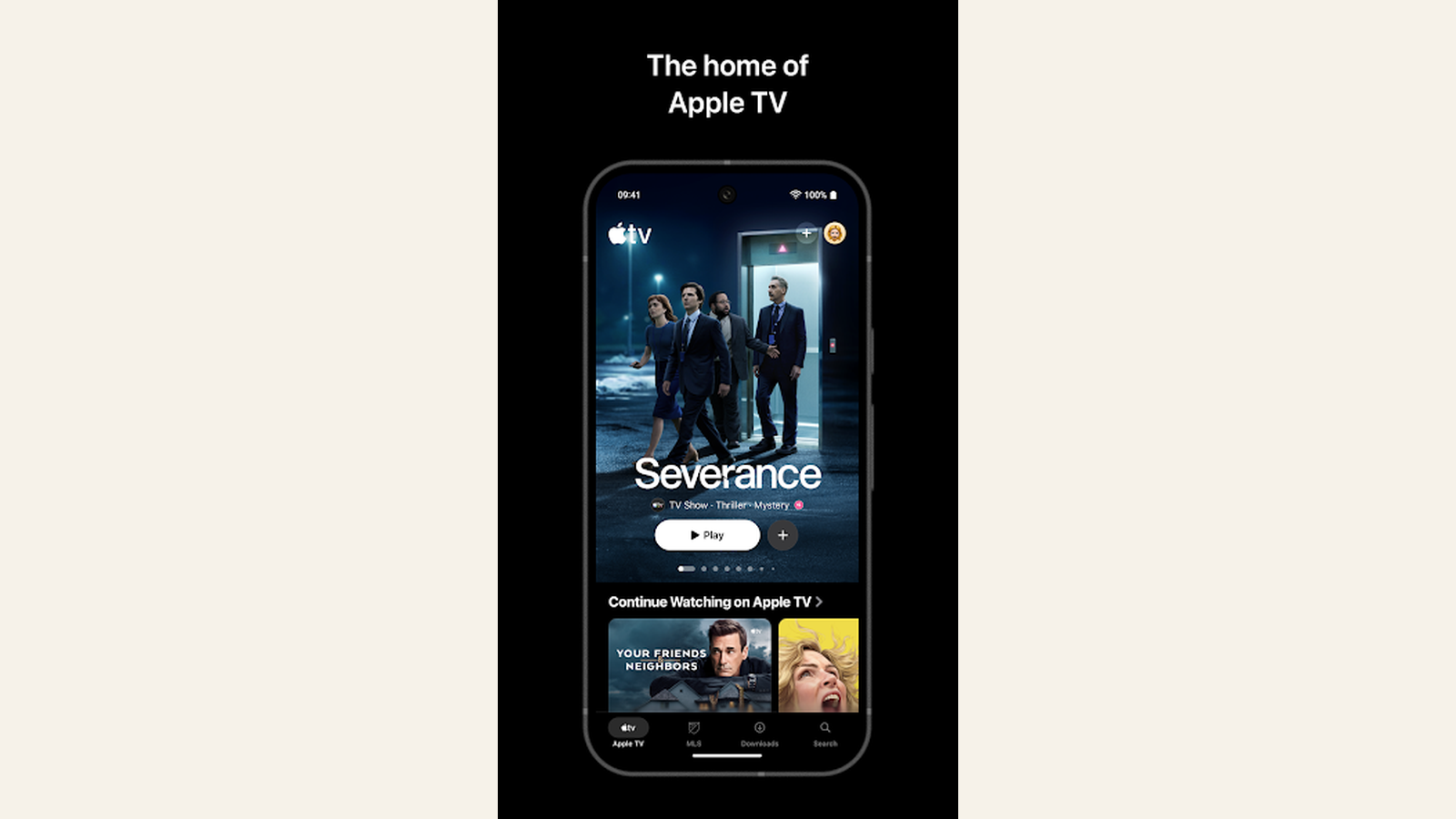
- Device and app fit - Apple devices make the experience easiest, but the service should still be checked on your actual TV setup.
- Rotation value - The best value often comes from focused months around specific series or films.
- Bundle context - Apple One or device offers can change value, but only if you use the included parts.
For Apple TV+, we give more weight to release fit than to raw library size. A month with three wanted originals is stronger than a year of vague brand admiration, especially if the app works cleanly on the living-room device.
Shortlist table
| Option | Best for | Watch before paying | Wild Ace read |
|---|---|---|---|
| Prestige-drama month | viewers with two or three Apple originals already queued | a quiet month can make renewal feel thin | Best use case for Apple TV+. |
| Household default | households already invested in Apple services and current originals | families needing broad children's, reality, or franchise depth may need another service | Not the best universal default for every home. |
| Apple One context | readers already using several Apple services | bundle value should be calculated from actual use, not imagined future use | Good when the bundle replaces things you already pay for. |
| Film-focused viewer | selected originals and event films | MUBI or BFI Player may be stronger for film discovery | Use Apple TV+ for originals, not archive breadth. |
| Cancel-and-return pattern | viewers who follow releases in waves | forgetting to cancel is the hidden cost | The safest value strategy. |
Read the table as a renewal filter. Apple TV+ looks best when the next month has named shows or films; it looks weaker when the subscription is being kept only because it is already attached to an Apple account.
Notes on the main options
Prestige-drama month
Apple TV+ is easiest to justify when the month has two or three named originals ready to watch. That might be a returning drama, a limited series, a comedy someone in the household already follows, or a film with enough interest to anchor a weekend. In that situation the smaller catalogue is not a weakness; it keeps the decision focused. The risk comes when the subscriber is paying for the idea of quality rather than a real queue. If nobody can name the next title, the service can wait.
Household default
As an always-on household service, Apple TV+ depends heavily on taste. It can work for households that already like Apple's originals-led style and do not need a vast comfort-viewing library. It is less convincing for homes that rely on reality TV, children's depth, franchise back catalogues, or large licensed libraries. The honest check is weekly use. If one person watches one prestige show while everyone else opens another app, Apple TV+ should be treated as a rotation service rather than the default.
Apple One context
Apple One can make Apple TV+ feel inexpensive, but the bundle only helps when the other services replace spending that would happen anyway. iCloud storage, Music, Arcade, Fitness, or News value should be counted from actual use, not from the number of icons in the bundle. If Apple TV+ is the only part that matters, judge it directly. If several services are already active and would be paid for separately, the bundle can make the renewal easier to defend.
Film-focused viewer
Apple TV+ has notable films and documentary projects, but it is not mainly a film-discovery service. A film-first viewer should check whether the current Apple slate contains specific titles rather than expecting the app to behave like MUBI, BFI Player, or a rental shop. The service works well for event films and originals. It is weaker for archive browsing, director deep dives, and the kind of curation that makes a specialist film month feel educational.
Cancel-and-return pattern
The cleanest Apple TV+ strategy is often to leave and return. Subscribe for a release wave, finish the queue, then pause until the next slate has enough pull. This is not a downgrade of the service; it is the right way to handle a focused catalogue. Put the renewal date on the calendar before the first episode, and treat an empty watchlist as a reason to pause rather than a reason to browse harder.
A cleaner buying plan
- Check the current slate - Name the first three Apple TV+ titles before subscribing.
- Confirm device access - Make sure the app works well on the TV or device you will actually use.
- Decide whether Apple One matters - Count only services you already use or would replace.
- Set a renewal reminder - Apple TV+ works best as a focused month, not forgotten background spend.
- Pair with a broad or specialist service intentionally - Use another service only if it solves a different viewing job.
This plan keeps Apple TV+ honest. It is a service that can be excellent for concentrated viewing and forgettable when the queue is empty. Naming titles before payment is the simplest defence against paying for reputation instead of use.
Where this fits inside Wild Ace
For the next decision, move through Best UK streaming services, Streaming deals UK, NOW vs ITVX Premium, and MUBI vs BFI Player. Those pages cover adjacent choices, so you can compare subscriptions, reading plans, and collector purchases without reopening the same research from scratch.
Use the related Wild Ace pages as a rotation map. Apple TV+ can handle a focused originals month; the broader streaming guide helps when the household needs range, and the film-service comparisons help when curation matters more than another prestige series.

What can change after publication
Apple TV+ value can change with one release window. A month that looks thin can become worthwhile when a returning original lands, while a busy month can become poor value once the household finishes its queue.
Prices, trials, device offers, Apple One bundles, and cancellation flows should be checked on official Apple pages. Do that check before the renewal date, not after another month has already billed.
Reader questions
Is Apple TV+ worth it in the UK?
It is worth it when the current originals slate matches your queue. It is weaker as a passive year-round default.
Does Apple TV+ have a big back catalogue?
No. Its value is more originals-led than archive-led.
Should I get Apple One for Apple TV+?
Only if the wider Apple One bundle replaces services you actually use.
What should I compare Apple TV+ with?
Compare it with broad streamers for household value and with MUBI or BFI Player if film discovery is the priority.
When should I cancel Apple TV+?
Cancel when your named queue is finished and no second wave of originals is waiting.
Scenario checks before paying
For a solo viewer, Apple TV+ is easiest to evaluate as a release-window service. Write down the exact shows, films, or documentaries you want and ask whether they fill enough evenings to justify the month. If the list is one title long, it may still be worth it, but the cancellation reminder should be set before the first episode. A focused single-title month is fine; a single title that becomes a forgotten renewal is not.
For a household, check whether Apple TV+ solves more than one person's viewing need. It can work beautifully when several people want the same current originals, but it is weaker when only one person watches prestige drama and the rest of the home wants broad comfort viewing. In that case Apple TV+ should sit beside a broader service for a limited period rather than trying to be the main entertainment bill.
For Apple One users, separate bundle arithmetic from Apple TV+ value. If iCloud, Music, or another included service is already replacing a real bill, Apple TV+ may become a useful part of the package. If the bundle is being justified mainly by services the household rarely opens, the clean comparison is still Apple TV+ against the current watchlist.
Details to verify before renewal
Check the official Apple TV+ page for the current slate, then check your actual watchlist. The service should have at least one title someone will open in the next week and preferably a short run of titles for the month.
If Apple One is part of the decision, count only the services that are replacing real spending. A bundle that looks tidy in account settings can still be wasteful if most of the included services are idle.
Device friction also matters. If the household mostly watches on a non-Apple TV setup, try the app before treating the subscription as easy background entertainment.
Renewal check for Apple TV+
Before the first renewal, separate three questions that often get blurred together. First, is there still a named Apple TV+ original, film, or documentary that someone in the household will open this week? Second, is the service being kept because it is bundled with other Apple services that are already replacing real spend, or because the bundle sounds efficient on paper? Third, would a one-month pause actually cost anything beyond mild inconvenience? If the answer to the first question is weak and the bundle answer is vague, the cleaner move is to pause, keep a watchlist elsewhere, and return when the next release window is concrete.
One more useful check is whether Apple TV+ is replacing another paid month or simply sitting beside it. If a household keeps a broad streamer for daily use and adds Apple TV+ for a release wave, the second bill is defensible only while the release wave is active. When the Apple queue is finished, the value should be reviewed immediately rather than at some vague point later.
Bottom line
Apple TV+ is a strong premium-originals service when you subscribe around a real queue. Its best value comes from focus, not from pretending it is the broadest streamer in the house. Use the official Apple TV+ page to confirm the current slate, subscribe only when the queue is real, and put the renewal date on the calendar before the first episode starts.